
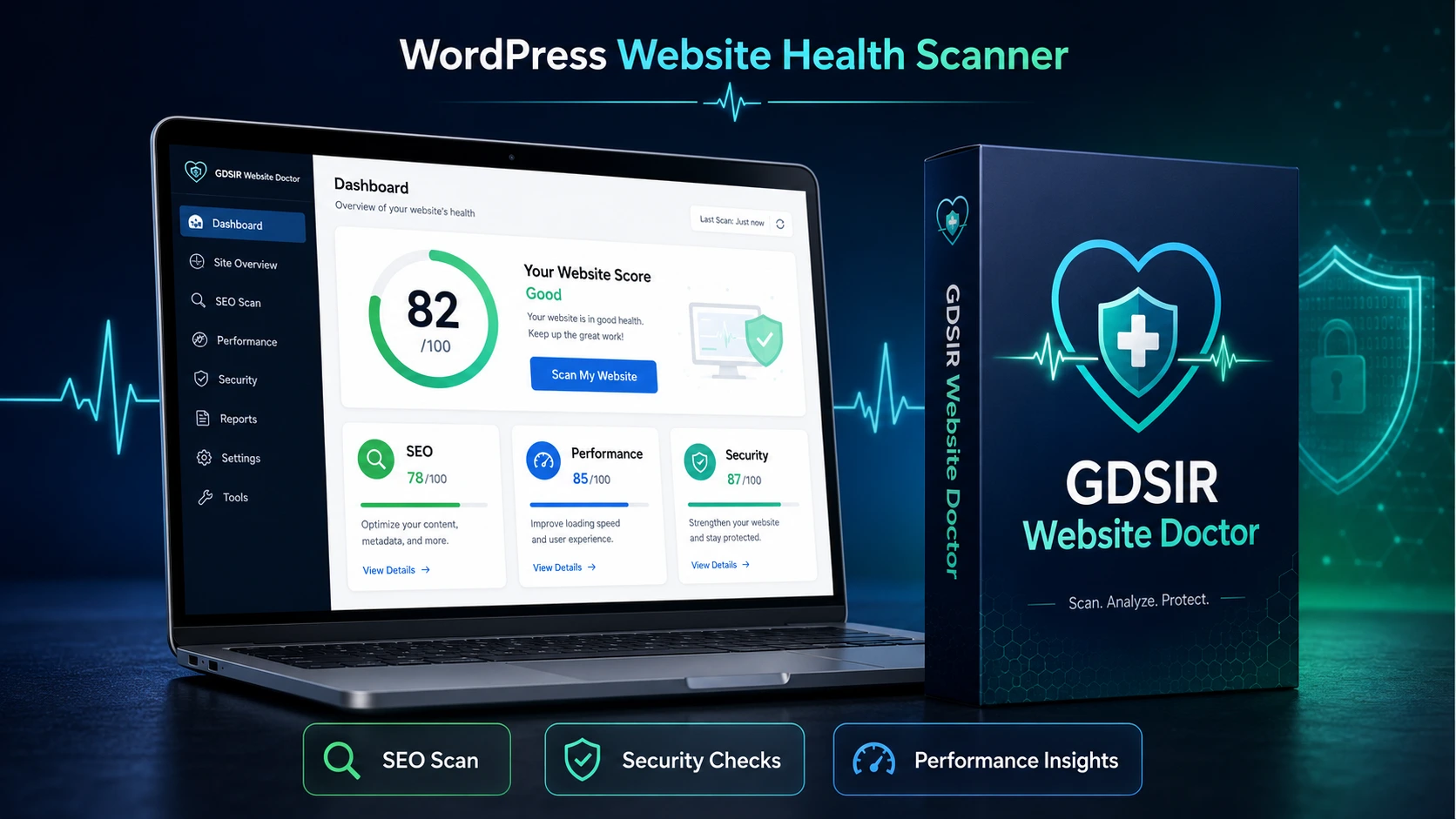
GDSIR Website Doctor is a beginner-friendly WordPress plugin designed to help website owners identify common SEO, security, and performance issues directly from their WordPress dashboard.
With a single click, the plugin scans important website settings and generates an easy-to-understand health report. It provides an Overall Website Score out of 100, along with separate scores for SEO, Security, and Performance.
Instead of simply listing problems, GDSIR Website Doctor explains what each issue means, why it matters, and what action can be taken to improve the website. Supported issues also include safe one-click fixes, making the plugin useful for beginners who may not have technical knowledge.
The clean and responsive admin dashboard helps users quickly understand the current condition of their website and identify areas that require attention.
Key Features
- One-click WordPress website health scan
- Overall website score out of 100
- Separate SEO, Security, and Performance scores
- Detailed issue reports and recommendations
- Critical, High, and Medium impact indicators
- Search-engine indexing status check
- Missing or default site tagline detection
- Default “admin” username security warning
- Outdated WordPress version detection
- Persistent object cache availability check
- Clear “Why This Matters” explanations
- Safe one-click fixes for supported settings
- Previous scan report saved in the dashboard
- Modern and responsive admin interface
- No external API key required
- Lightweight plugin structure
Why Choose GDSIR Website Doctor?
Managing a WordPress website can be difficult, especially when you do not know which settings may be affecting its visibility, security, or performance.
GDSIR Website Doctor brings essential website checks into one simple dashboard. It helps users identify common problems without manually searching through multiple WordPress settings.
Its clear reports, category scores, impact labels, and practical recommendations make it suitable for beginners, bloggers, small businesses, freelancers, and website administrators.
How to Install
- Log in to your WordPress Admin Dashboard.
- Navigate to Plugins → Add New Plugin.
- Click Upload Plugin.
- Select the
docterplugin.zipfile. - Click Install Now.
- After installation, click Activate Plugin.
- Open Website Doctor from the WordPress dashboard menu.
How to Use
- Open GDSIR Website Doctor from your WordPress dashboard.
- Click the Scan My Website button.
- Wait for the website scan to complete.
- Review your overall website score.
- Check the individual SEO, Performance, and Security scores.
- Open the Detailed Findings section.
- Review the problem, impact level, and explanation for each issue.
- Use the one-click fix where available.
- Follow the provided recommendations for issues requiring manual action.
- Run another scan after making improvements.
Who Is This Plugin For?
- WordPress website owners
- Bloggers and content publishers
- Small business websites
- WooCommerce store administrators
- Freelancers and web developers
- WordPress beginners
- Website maintenance professionals

Reviews
There are no reviews yet.